Wi-Fi 8 Is Starting Where Wi-Fi 7 Finally Got Useful
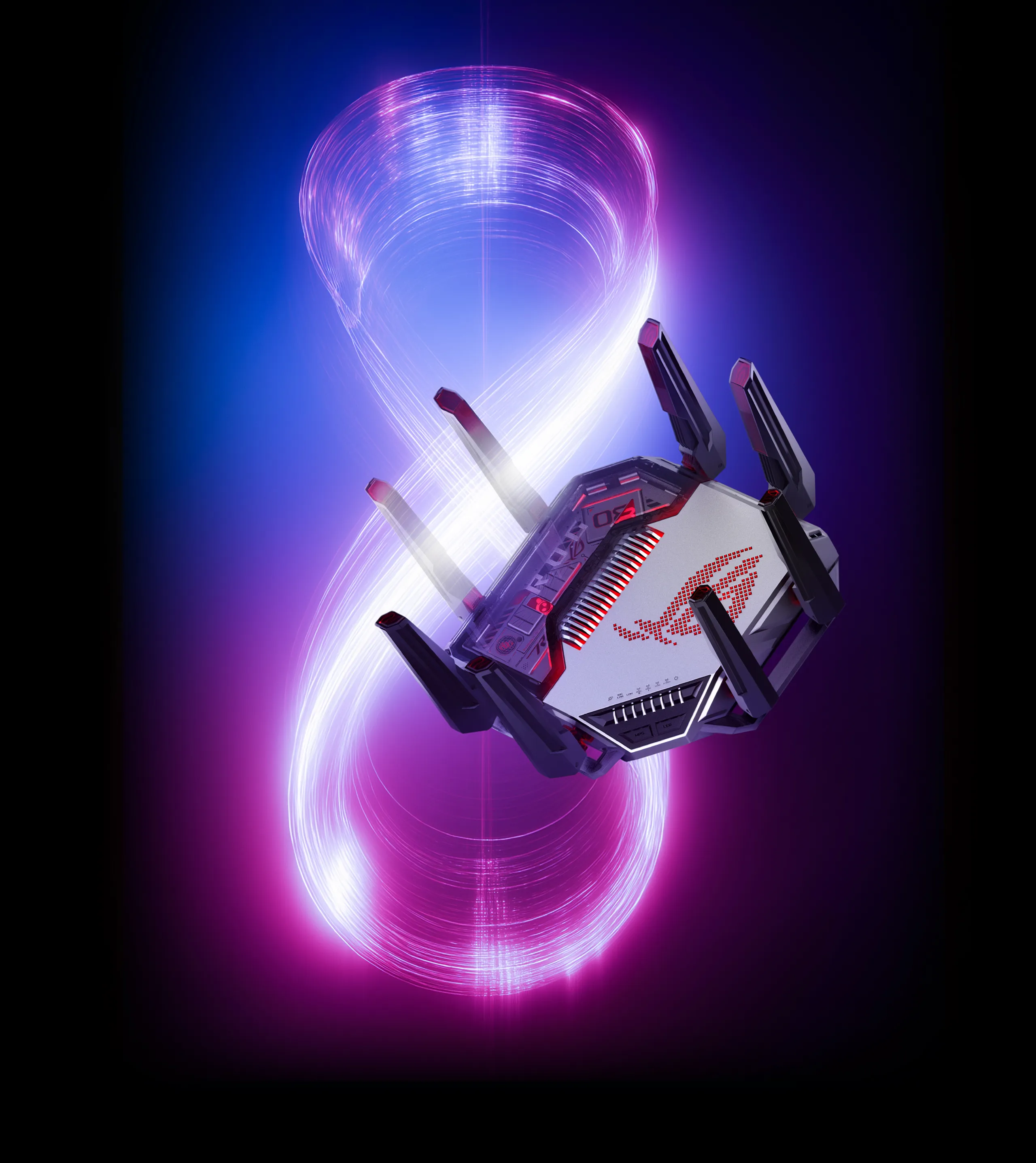
Asus has unveiled the ROG Rapture GT-BN98 Pro, its first Wi-Fi 8 router, and the spec sheet is exactly the kind of thing that makes marketing departments shout while network admins quietly ask about firmware support. According to Asus, the new router targets up to 2x median throughput versus Wi-Fi 7 and up to 2x greater IoT coverage, with lower latency and better behavior in crowded RF environments thanks to Wi-Fi 8 features like Multi-AP coordination.
That last part matters more than the big number. Wi-Fi 8 is not primarily about another round of fake-looking maximum PHY rates printed on a box. The industry is finally admitting what anyone with a packed apartment block, mesh setup, or VLAN-segmented smart-home network already knows: reliability, airtime coordination, and latency consistency are the real battlegrounds. Peak throughput is fun for screenshots. Stable throughput is what keeps your cameras, consoles, laptops, and self-hosted dashboards from falling over.
Same Alien Spider, New Radio Brain
Physically, the GT-BN98 Pro appears to reuse the aggressive ROG Rapture GT-BE98 Pro design language: eight antennas, front LED panel, exposed heatsink styling, and the usual gamer-router geometry that looks like it wants to crawl across the rack. Asus has not named the Wi-Fi 8 chipset yet, so the interesting silicon details are still missing.
The claims Asus is making line up with the direction of Wi-Fi 8 itself: better median throughput, better IoT reach, lower latency, and stronger performance when the spectrum is messy. In plain English, this is about making your network less stupid under load. If it works as advertised, the gain will show up when multiple clients are active, mesh nodes are negotiating, and half your house is filled with low-power IoT gear whispering into the 2.4 GHz abyss.
The Wired Side Is Actually Respectable
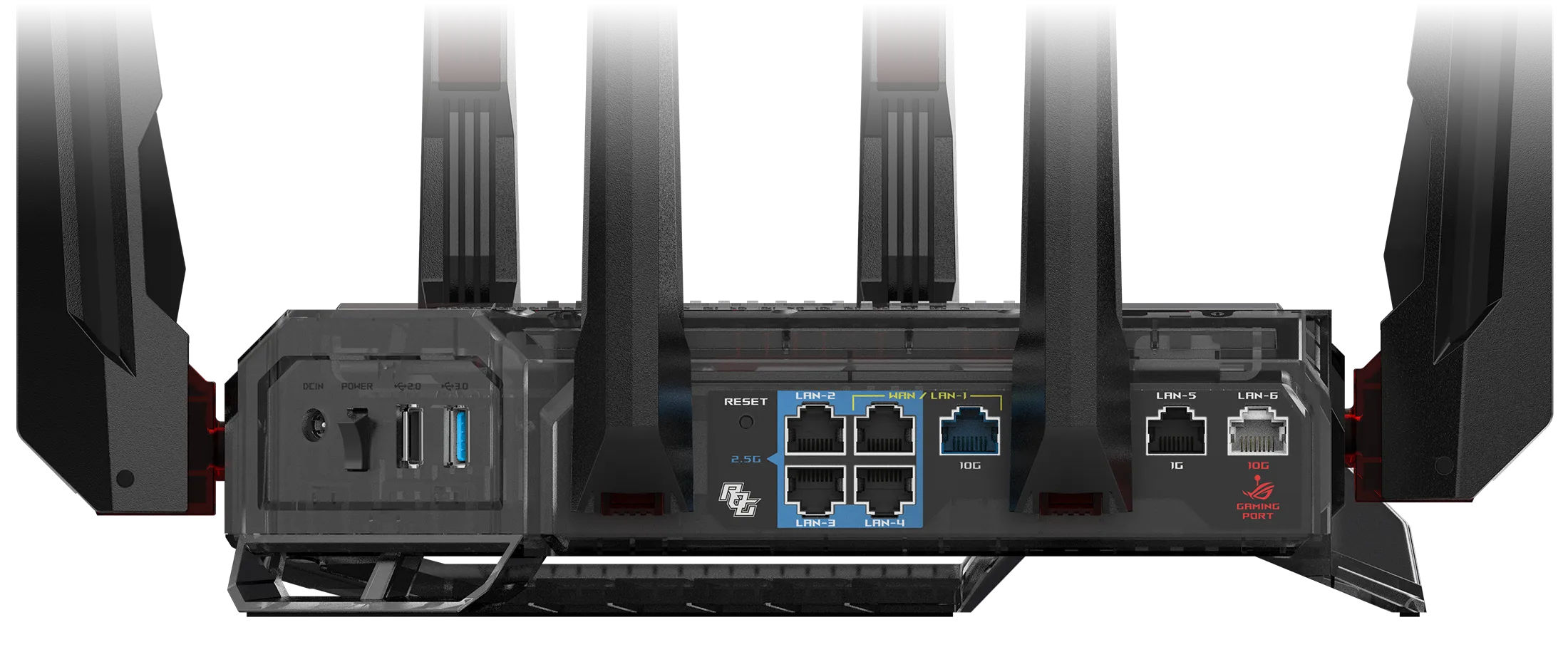
Credit where due: Asus did not bolt Wi-Fi 8 onto a router with bargain-bin Ethernet. The GT-BN98 Pro includes a 10 GbE WAN port, a 10 GbE LAN/gaming port, four 2.5 GbE LAN ports with one usable as WAN, and one additional 1 GbE LAN port. Asus also says the two 10 GbE ports can be aggregated into a 20 Gbps link.
For homelab people, that matters. A Wi-Fi 8 access layer feeding into a single gigabit uplink would be a crime against packets. Dual 10 GbE gives this thing a fighting chance as an edge router or high-end AP/router combo, though I still want to see sustained NAT, firewall, QoS, and VPN throughput before anyone declares it rack-worthy. Ports are not performance. The CPU, switching fabric, thermal design, and firmware decide whether the box survives real traffic.
Gaming QoS Is Fine, But Show Me Bufferbloat Numbers
Asus is also bundling AI Game Boost, adaptive QoS, physical LAN and Wi-Fi game traffic acceleration, and GTNet-based optimizations for specific online games. That sounds useful for households where gaming traffic competes with streaming, cloud backups, and someone syncing a NAS over Wi-Fi like a chaos gremlin.
But the test that matters is not whether the router can identify a game. The test is whether latency stays flat when the uplink is saturated. If the GT-BN98 Pro can keep bufferbloat controlled while routing multi-gig WAN, handling 10 GbE LAN traffic, and coordinating a noisy Wi-Fi 8 environment, then we have something. If not, it is another expensive spaceship with RGB and opinions.
Launch Timing: Late 2026 Or Early 2027
Tom's Hardware reports that Asus has not given final launch guidance, but expects the ROG Rapture GT-BN98 Pro to arrive around Q4 2026 or possibly Q1 2027. That timing makes sense: Wi-Fi 8 client support still needs to show up in laptops, phones, and desktop adapters before most people can exploit it.
My read: this is not a router most people should buy on day one. It is a signal flare for where premium home networking is going — multi-gig wired backbones, smarter AP coordination, and wireless standards focused less on fantasy peak speed and more on real-world stability. That is the right direction. Just remember the rule: if it's not on your own hardware, it's not really yours.
Loading comments...